

An access control system is a setup of hardware and software that controls who can enter a building, room, or restricted area. It checks a person’s credentials, like a key card, code, or fingerprint, before allowing entry. Businesses use these systems to protect employees, equipment, and sensitive information from unauthorized visitors. For companies in Vallejo, CA, where commercial properties range from warehouses to retail storefronts, a reliable access control security system has become a standard part of running a safe operation.
This guide breaks down how access control works, the types available, and what to check before choosing one for your property. Whether you manage a single storefront or oversee several commercial buildings, understanding the basics now can save you time, money, and stress later. Many property owners only start researching access control after a break-in, a lost key, or an employee dispute, but learning the fundamentals ahead of time puts you in a much stronger position to make a confident decision.
How an Access Control System Works
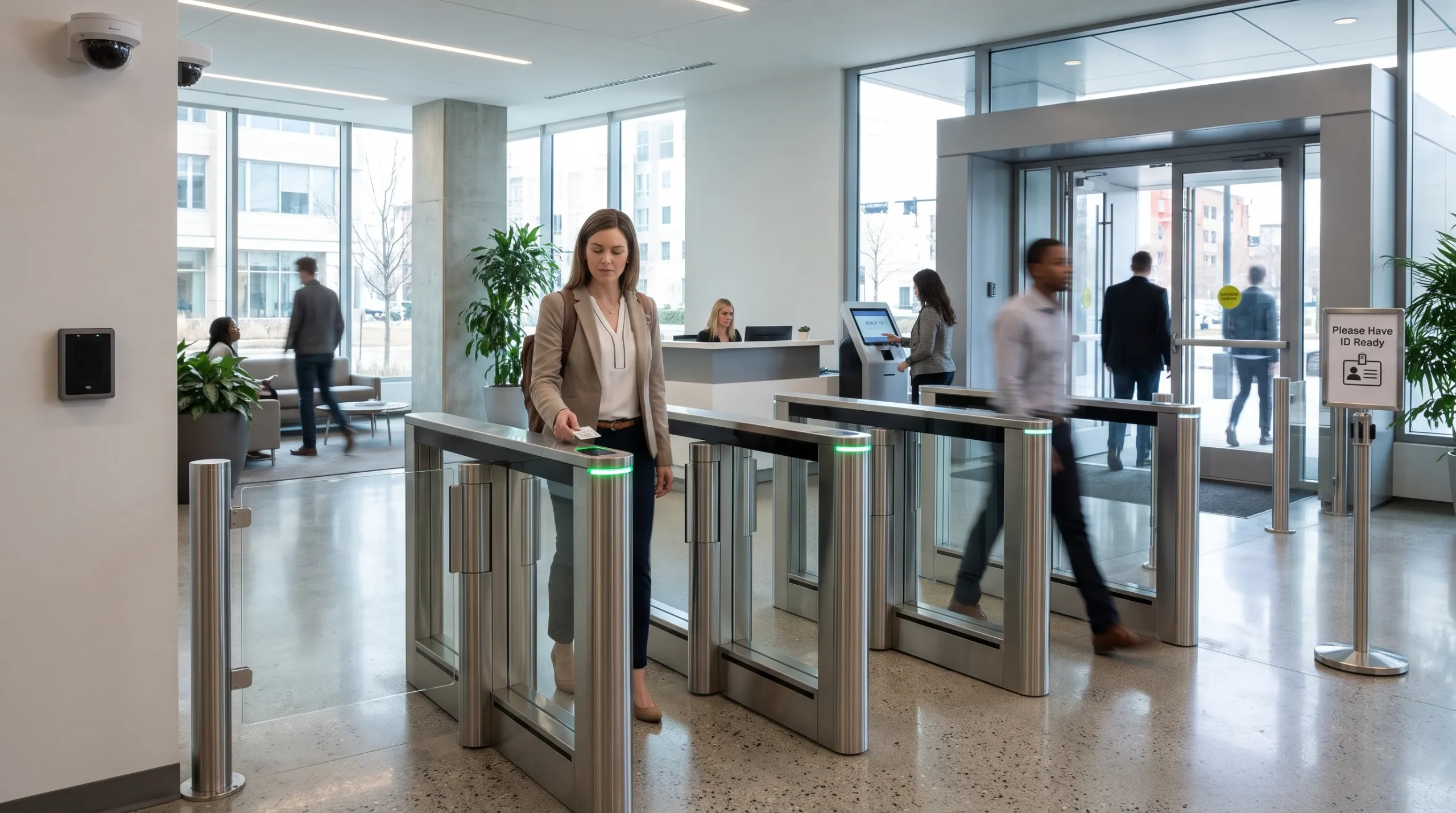
An access control system works by replacing traditional locks with electronic credentials. Instead of handing out metal keys, a business issues cards, fobs, or digital codes that can be tracked and changed instantly. This setup gives property managers more control and better records of who comes and goes. The shift away from physical keys is one of the biggest reasons commercial properties have moved toward electronic systems over the past several years, since it removes the guesswork that comes with traditional locks.
The Access Control Security Process
At its core, access control security relies on three steps: identification, verification, and authorization. The system identifies the credential, verifies it against an approved list, and then authorizes or denies entry. This process happens in seconds, but it is what makes a commercial access control system far more reliable than a traditional lock, since every step is recorded rather than simply trusted.
- A reader scans the credential at the door
- The system checks the credentials against a stored database
- Access is granted or denied within seconds
- Every entry attempt is logged for review
Key Components of a Commercial Access Control System
Most commercial access control systems share a similar set of parts, even if the technology differs slightly between providers. Knowing these parts ahead of time makes it easier to ask the right questions when comparing options or talking with a technician about your property. Many businesses also work with commercial garage door services to integrate bay doors and loading areas into the same access control setup.
- Door readers or keypads
- Electric locks or strikes
- A control panel or cloud-based software
- Credentials such as cards, fobs, or mobile apps
- Backup power in case of an outage
Understanding these components ahead of time also makes it easier to spot when a system is missing something important, especially during a property walkthrough or an installer’s initial proposal.
If you want a deeper look at why this matters for daily operations, our guide on Why Access Control Systems Are Essential For Your Business explains the practical impact in more detail.
Why Vallejo Businesses Need Reliable Access Control
Local businesses face unique challenges, from busy commercial corridors to properties that operate after standard hours. A dependable system helps owners manage these risks without needing to be on site around the clock. Vallejo’s mix of industrial parks, retail centers, and small office buildings means no two properties have identical security needs, which is exactly why a flexible access control security system tends to outperform a one size fits all approach.
Risks of an Outdated Commercial Security System
Older lock and key setups create gaps that many business owners do not notice until something goes wrong. These gaps often build up slowly over years, especially in properties that have changed staff or tenants several times without ever updating the locks.
- Keys can be copied without the owner knowing
- Lost keys often mean replacing every lock
- There is no record of who entered or when
- Former staff may still have working keys
Benefits of Smart Access Control for Local Businesses
Smart access control gives Vallejo businesses more flexibility and peace of mind compared to older systems. Owners who manage their property from a phone or laptop often find they spend far less time handling small security issues, since most adjustments can be made without ever visiting the building in person.
- Credentials can be deactivated instantly
- Entry logs help with audits and investigations
- Remote management works from a phone or computer
- Multiple entry points can be managed from one system
These advantages add up quickly for businesses that operate multiple shifts or rely on contractors and vendors who need limited, temporary access rather than a permanent key.
Types of Access Control Systems to Know
Not every business needs the same setup. Knowing the basic categories helps you understand what fits your property before making a decision. Many owners assume one type of system works for every situation, but the right choice usually depends on factors like building size, number of entry points, and how often staff or visitor access needs to change.
Keyless Entry System Basics
A keyless entry system removes the need for physical keys entirely. Entry is granted through codes, cards, or mobile credentials instead, which is especially useful for businesses that deal with frequent staff turnover or shared workspaces.
- Reduces the cost of replacing lost keys
- Allows quick changes to who has access
- Works well for offices with high staff turnover
For a full breakdown of each category, read What Are The Types Of Access Control Systems?
Cloud-Based vs. On-Premise Access Control Security Systems
Access control systems are generally managed either through cloud-based software or an on-site server. The right option often comes down to how hands on a business wants to be with managing the technology day to day.
- Cloud-based systems allow remote access from anywhere
- On-premises systems keep all data stored locally
- Cloud systems usually receive automatic software updates
- On premise setups may require an in-house IT team
Some growing businesses start with an on-premises setup and later move to a cloud-based system as they add locations, so it is worth asking an installer how easily a system can scale if your business plans to expand.
Access Control as Part of Commercial Security Solutions
Access control rarely works alone. It is most effective when paired with other commercial security solutions already in place at a property, since each layer of security covers a gap the others might miss.
Integrating Access Control With Alarms and Cameras
Pairing access control with cameras and alarms gives a more complete security picture, since footage and entry logs can confirm each other instead of leaving an owner to guess what happened.
- Cameras can confirm who used a credential at each door
- Alarms can trigger if a door is forced open
- Combined systems often share one management dashboard
Industry Standards for Commercial Access Control
Following recognized industry access control guidelines helps ensure a system is installed and maintained correctly. The Security Industry Association offers helpful resources on current best practices for commercial properties, which is a useful starting point for owners who want to compare standards before choosing equipment. Reviewing these standards before signing a contract with any installer can also help you avoid systems that look modern but skip important safety requirements.
- Systems should meet fire and life safety codes
- Credentials should be encrypted, not stored in plain text
- Regular software updates help close security gaps
Signs Your Access Control System Needs an Upgrade
Even a well-installed system can become outdated over time. Recognizing the warning signs early can prevent bigger problems later, especially since most issues with an aging system tend to get worse gradually rather than failing all at once.
Warning Signs of an Outdated System
- Credentials take longer than usual to scan
- The system cannot support newer mobile credentials, a limitation worth understanding in the context of the broader shift toward smart, app-based locking technology that many commercial systems are now built around
- Entry logs are missing or inconsistent
- Replacement parts are no longer available
What to Check Before Replacing an Access Control System
Before deciding on a replacement, it helps to inspect a few key details first. Taking the time to walk through each point below with a qualified technician usually leads to a better long-term decision than rushing into the first system that gets recommended.
- Check how many doors the current system supports, and since commercial properties often mix door types, materials, and ages across a single site, it helps to understand how different door types affect hardware compatibility before scoping a replacement
- Inspect whether the software still receives updates
- Check compatibility with your existing cameras or alarms
- Average upgrade costs vary depending on property size and number of doors, so it is best to request a property-specific estimate rather than rely on a flat number
Our guide on How To Choose The Right Access Control System walks through the full decision process if you are ready to upgrade.
Ready To Strengthen Your Vallejo Business?
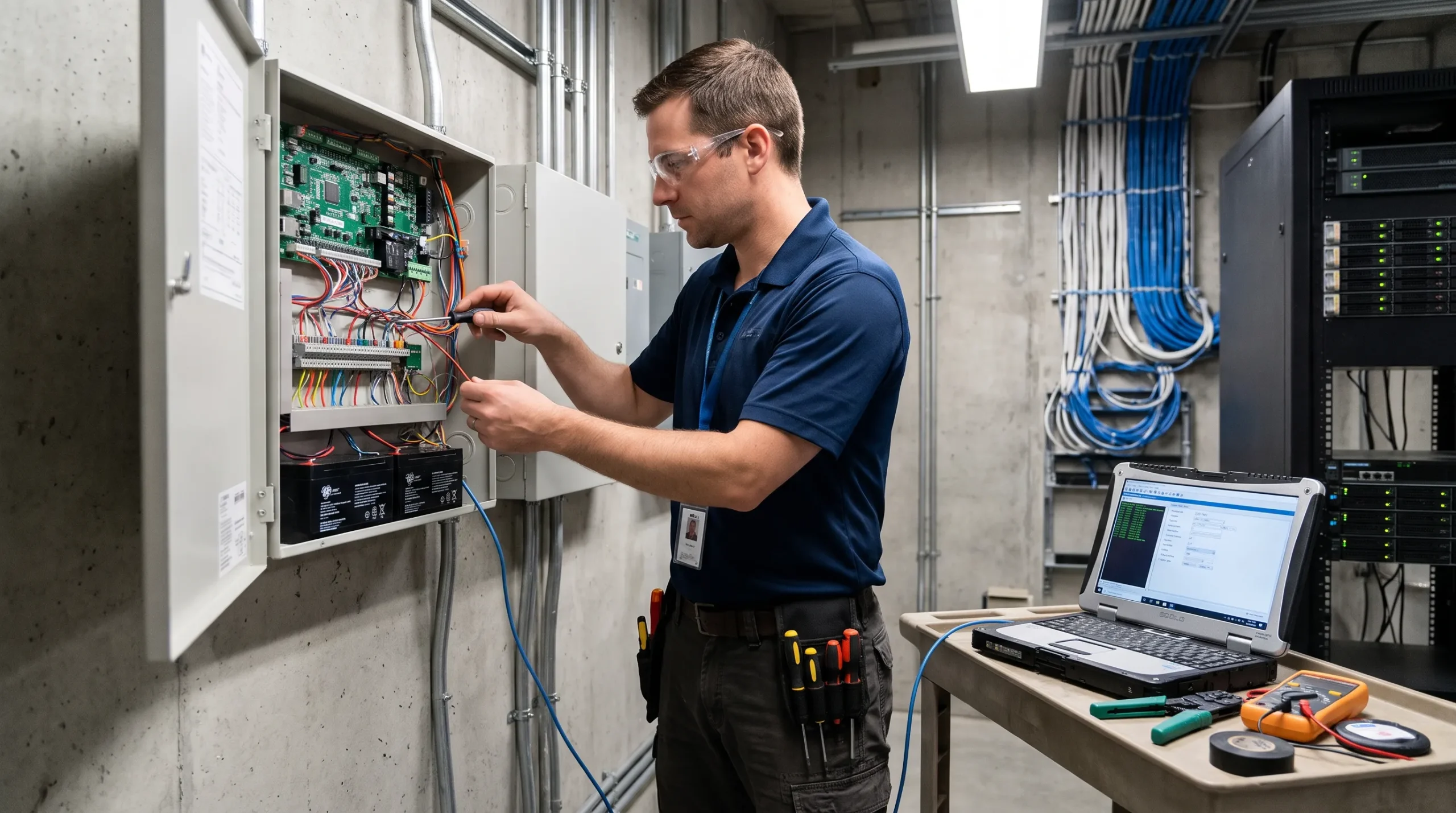
Choosing the right access control system protects more than just a door. It protects your staff, your inventory, and the daily operations that keep your business running smoothly. Whether you are exploring your first system or replacing an older one, understanding the basics covered here is the first step toward a safer property. A clear understanding of how these systems work also makes it much easier to compare quotes and ask installers the right questions, instead of relying on guesswork or sales pitches alone.
R&S Erection of Vallejo has worked with local business owners to design and install commercial security solutions that fit each property’s specific needs. If you are ready to discuss what type of access control system would work best for your business, contact us today or give us a call.
Frequently Asked Questions
Is an access control system the same thing as a traditional alarm system?
No, an access control system manages who can enter a property, while an alarm system detects break-ins or unusual activity after the fact.
Can an access control system still work properly without an internet connection?
Some systems can operate locally without internet, though cloud-based features like remote management usually require a connection.
How long does it typically take to install a commercial access control system?
Installation time depends on the size of the property and the number of doors involved, so timelines vary case by case.
Do access control systems require ongoing maintenance to stay secure and reliable?
Yes, regular inspection and software updates help keep the system running securely and reliably.
What happens to door security if the power goes out unexpectedly?
Most commercial systems include backup power so doors remain secure during a temporary outage.
Can old employee credentials be reused or reassigned after someone leaves the company?
No, credentials should be deactivated immediately once an employee is no longer authorized to enter.
Are access control systems difficult for staff to use on a daily basis?
Most systems are designed to be simple for staff, often requiring just a tap, scan, or code entry.
Can a single access control system manage entry across multiple buildings or locations?
Yes, many cloud-based systems allow a business to manage several locations from a single dashboard.
Is investing in a smart access control system actually worth it for a small business?
It depends on the size and risk level of the property, though many small businesses benefit from the added tracking and flexibility.