
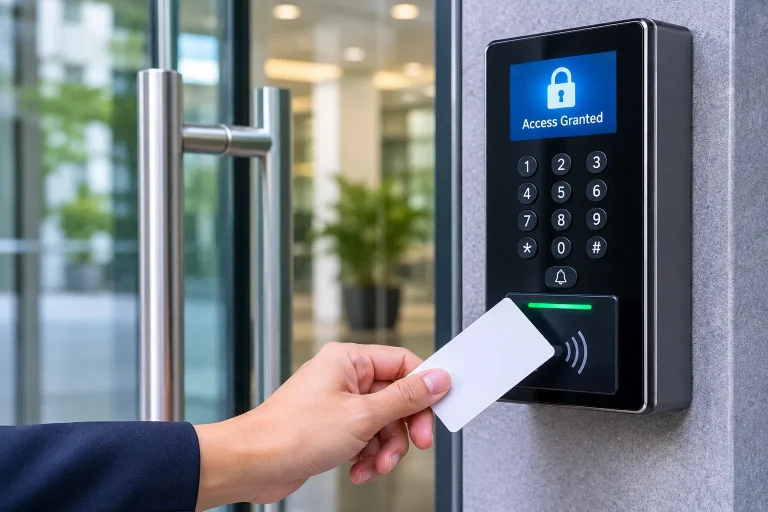
There are several types of access control systems available today, ranging from simple keypad locks to advanced biometric readers. Each type works a little differently, and the right choice depends on your property size, budget, and how much daily flexibility you need. For business owners in Vallejo, CA, comparing these options side by side makes it much easier to choose a commercial access control system that actually fits the way the property operates, rather than picking equipment based on price alone.
This guide walks through the most common types, what makes each one different, and what to consider before settling on one. Many owners get overwhelmed comparing technical specs between providers, but once you understand the core categories, the rest of the decision becomes much more straightforward.
Keypad and PIN Code Systems
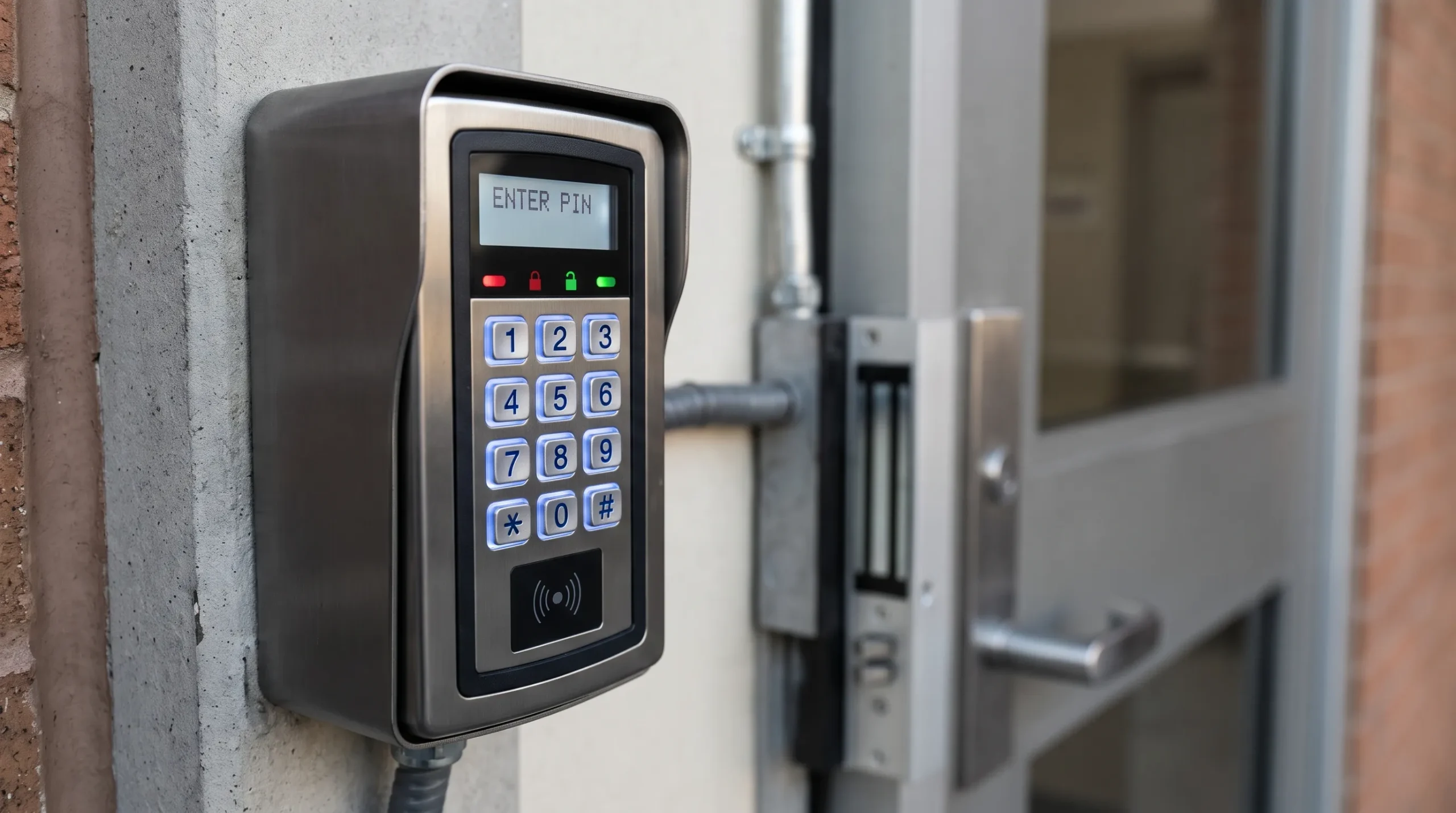
Keypad systems are one of the simplest forms of access control, using a numeric code instead of a physical key. They have been around for decades, but improved technology has made them more reliable and flexible than older versions. Before comparing types, it helps to understand the basics of how access control works overall.
How These Systems Work
A keypad system grants entry once the correct code is entered, and codes can usually be changed without replacing any hardware. This makes them a low-maintenance option for properties that do not need detailed individual tracking.
- Codes can be shared with staff or temporary visitors
- Codes can be changed quickly if security is a concern
- No physical credential is needed to gain entry
- Entry logs may be limited compared to other system types
Best Fit for Vallejo Businesses
Keypad systems tend to work well for smaller properties or single entry points that do not require detailed tracking.
- Small offices with a handful of employees
- Storage rooms or back entrances
- Properties with a low budget for security upgrades
If your business fits one of these descriptions, a keypad system may be all you need for now, with room to upgrade later as the business grows.
This makes keypad systems a good entry point for businesses that are upgrading from traditional locks for the first time. Our guide on What Is an Access Control System? covers the fundamentals in more detail.
Key Fob and Card-Based Systems
Key fob and card systems remain one of the most widely used types of commercial access control systems, largely because they balance cost and convenience well. Most providers offer a wide range of card and fob options, which makes this category easy to find regardless of budget.
Why Many Businesses Start Here
Card and fob systems are often the first upgrade a business makes when moving away from traditional locks. The transition is usually straightforward, since installation does not typically require major changes to existing doors.
- Cards can be issued and deactivated individually
- Lost cards do not require rekeying the entire building
- Systems can scale as a business adds more doors
Limitations to Keep in Mind
While useful, this type of system does come with a few drawbacks worth considering.
- Cards can be lent out or shared between staff
- Lost cards still need to be deactivated promptly
- Some older card systems lack strong encryption
Newer card technology has addressed many of these concerns, so it is worth asking a provider about encryption standards before purchasing.
Biometric Access Control Systems
Biometric systems use a person’s unique physical traits instead of a card or code, offering some of the more robust access control security options available. This category has become more affordable in recent years, which has made it accessible to a wider range of commercial properties.
Common Biometric Methods
Several biometric methods are used across commercial properties today, each with its own strengths. Choosing the right one usually depends on the size of the property and how many people need daily access.
- Fingerprint scanners for individual entry points
- Facial recognition for higher traffic doors
- Hand geometry readers for industrial settings
Each method offers a different balance of speed, accuracy, and cost, so comparing them against your property’s traffic level is a useful first step.
Considerations Before Installing
Biometric systems are powerful, but they are not always the right fit for every property or budget. It is worth weighing these factors honestly before committing to this category. Properties that already use commercial garage door services should also confirm that any biometric readers installed near bay doors or loading docks can handle the traffic and conditions typical of those areas.
- Installation costs are generally higher than card systems
- Staff may have concerns about biometric data privacy
- Backup credentials are recommended in case of sensor issues
Discussing these points with an installer ahead of time helps set realistic expectations before the system goes live.
Mobile Credential and Smart Access Control
Smart access control through mobile credentials has grown quickly as more businesses look for convenient, modern options. This category often appeals to owners who want the flexibility of cloud-based management without the upfront cost of biometric hardware.
How Smartphones Replace Cards
Mobile credentials use a smartphone app or digital wallet instead of a physical card or fob. This setup has become increasingly common as more security providers build mobile-compatible options into their core products.
- Credentials can be issued remotely without meeting in person
- Lost phones can be remotely locked out of the system
- This added control is one reason many security-conscious businesses are moving toward this category over traditional cards
- Updates and permissions sync automatically across devices
This level of automation is one of the reasons mobile credentials have become popular among growing businesses. Systems using biometric or mobile credentials should also follow recognized biometric security standards, which can help ensure data is handled responsibly and securely.
Why This Type Is Growing
More businesses are adopting mobile credentials because most staff already carry a smartphone, removing the need for an extra item to track. This shift also tends to reduce the administrative work tied to lost or forgotten cards.
- Reduces the cost of replacing physical cards
- Works well for businesses with frequent staff turnover
- Integrates easily with cloud-based management tools
As more providers add mobile support to their core platforms, this category is likely to keep expanding across commercial properties of all sizes.
Our guide on Why Access Control Systems Are Essential For Your Business explains the bigger picture reasons this decision matters.
Cloud-Based vs. On-Premise Management
Beyond the type of credential used, every access control system is also managed either through the cloud or a local server, and this choice affects day-to-day operations significantly. This decision often matters just as much as the credential type itself, especially for owners who manage more than one property.
Choosing What Fits Your Property
The right management style depends largely on how involved an owner wants to be with the technical side of the system. Some owners prefer a hands-off setup, while others want full visibility into every change made on the property.
- Cloud-based systems allow management from any location
- On-premises systems keep data stored entirely on site
- Hybrid setups are available for businesses with specific needs
Weighing these trade-offs against your daily operations is usually more useful than choosing based on brand name or marketing alone.
Questions to Ask Before Deciding
Before settling on a system, it helps to know exactly what your property and team will need going forward, both right now and over the next few years as the business changes.
- How many doors need to be covered now and in the future
- Will staff need remote access to manage the system
- What level of tracking and reporting does the business need
Bringing clear answers to these questions into a conversation with an installer tends to produce a much better outcome than starting the conversation from scratch.
Our guide on How To Choose The Right Access Control System breaks down the full selection process step by step.
Find the Right Fit for Your Property
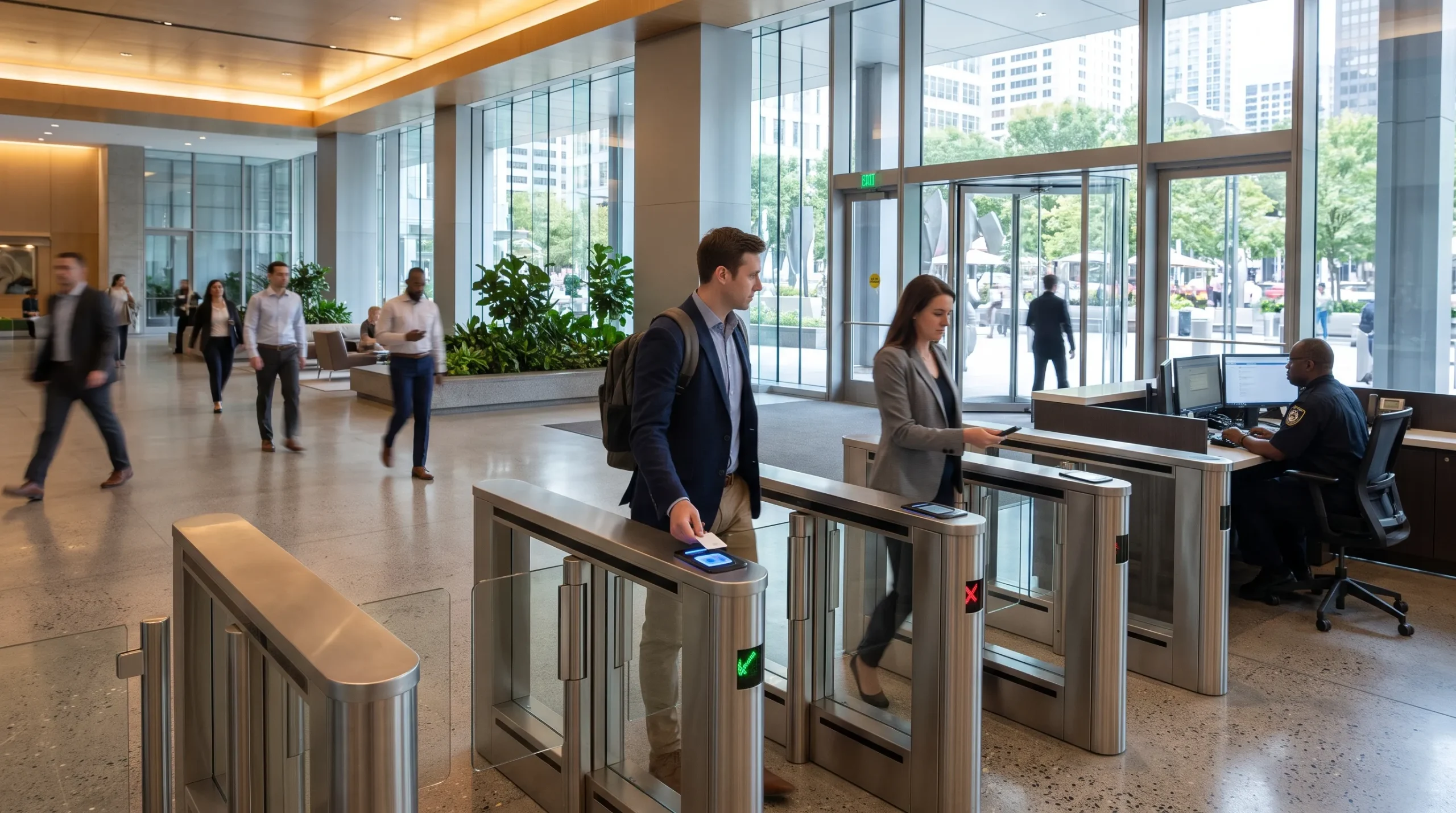
A small office may do just fine with a simple keypad, while a growing commercial property may benefit far more from mobile credentials or biometric access. Taking the time to compare these options now usually saves both money and frustration later, since switching systems down the road can mean replacing hardware that was never quite the right fit in the first place.
R&S Erection of Vallejo works with business owners across the area to find the type of access control system that fits their property and budget. If you would like help comparing your options, contact us today or give us a call.
Frequently Asked Questions
Are biometric access control systems safe to use?
Yes, biometric systems are generally considered safe when they follow recognized data protection standards, though privacy concerns should still be discussed with staff.
Can a business combine multiple types of access control?
Yes, many properties use a mix of credential types, such as cards for staff and keypads for visitor access.
Is mobile credential access control reliable?
Mobile credentials are reliable for most businesses, though backup options should be available in case a staff member's phone is lost or damaged.
Do cloud-based systems require a strong internet connection?
A stable internet connection is recommended for full functionality, though many systems still allow basic entry if the connection drops temporarily.
Which type of system is best for a small office?
A keypad or card-based system is usually sufficient for a small office with a limited number of entry points.
How long do access control credentials typically last?
Cards and fobs can last for years with normal use, while mobile credentials depend on the device they are installed on.
Are on-premises systems more secure than cloud-based systems?
Not necessarily, since both options can be secure when properly installed and maintained, though they differ in how data is stored and accessed.
Can I switch from one type of system to another later?
Yes, many properties upgrade from simpler systems like keypads to more advanced options as the business grows. If that upgrade path includes moving toward keyless entry, it can help to first understand how traditional lock hardware works, since that's the baseline most upgrades are replacing.
Do all access control types support remote management?
No, remote management is typically tied to cloud-based systems, while some on-premises and keypad systems may be limited to on-site adjustments.